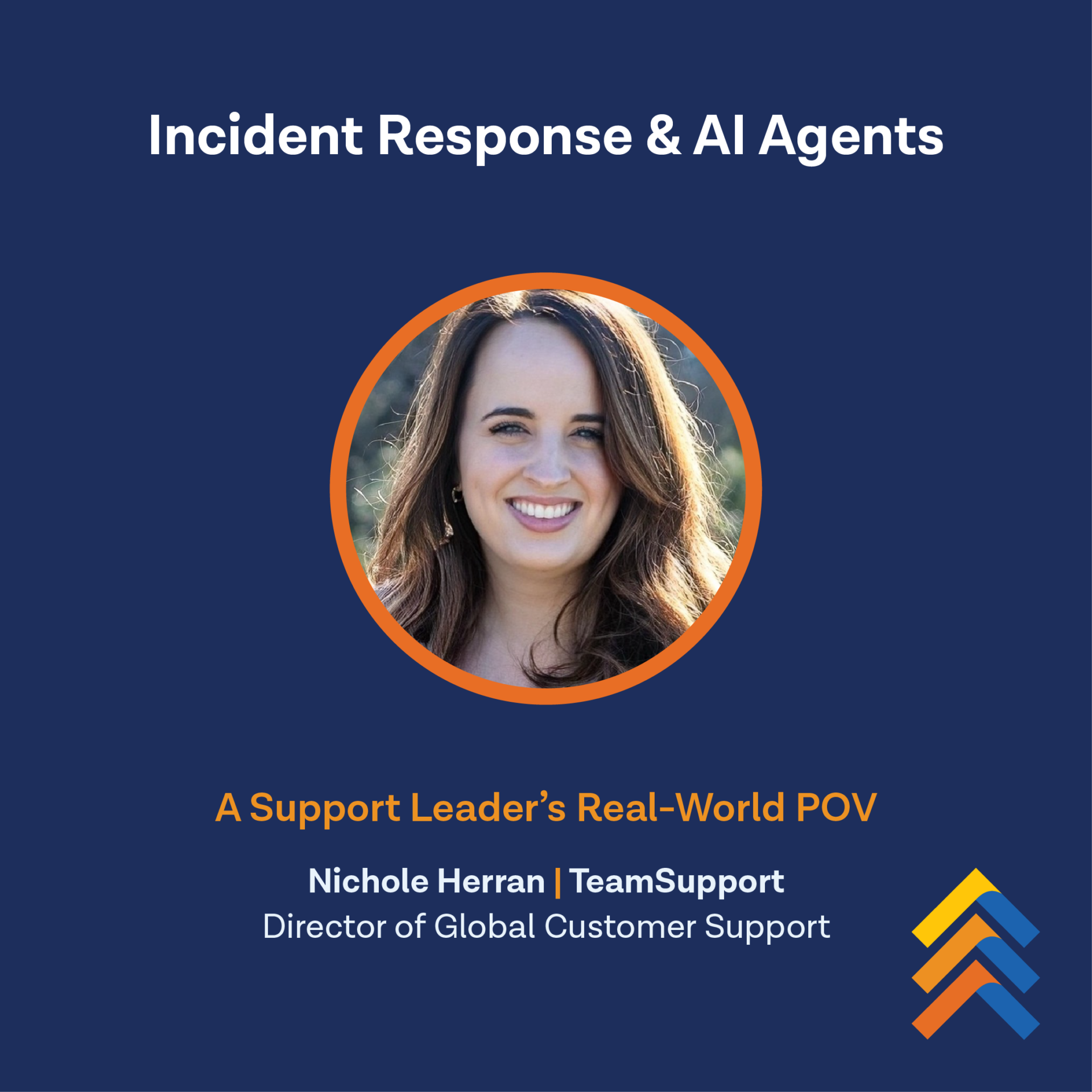
Every B2B support leader knows the pressure that comes with an unexpected Friday afternoon service issue. Customers need answers, internal teams need context, and support has to quickly determine what’s happening, who’s affected, and how to communicate clearly while the issue is being resolved.
When a recent customer incident affected our Messaging and Live Chat (MLC) product, our Support Director, Nichole Herran, put our own AI Assistant, Kevin, into action as her operational co-pilot.
Using TeamSupport AI Agents, Nichole was able to quickly understand the scope of the issue, coordinate communication, and keep affected customers informed while the team worked toward resolution.
Here’s how TeamSupport AI for Customer Support helped her manage the incident from start to finish.
The Playbook: AI-Assisted Incident Response in Action
Rather than replacing human decision-making, Kevin largely took over the repetitive, high-volume tasks so Nichole could stay focused on high-judgment, strategic choices.
1. Automated Ticket Management & Triage
Instead of manually sifting through incoming reports, Nichole directed her AI Co-Pilot, Kevin, to organize the queue in real-time:
- Parent-Child Linking: Kevin scanned open tickets, identified outage-related reports, and linked them directly to the master parent ticket.
- Continuous Scanning: Kevin ran 8+ automated scans throughout the incident as new reports rolled in, linking them automatically.
- Bulk Updates: Kevin executed bulk updates across all child tickets to correctly set the incident type, assign the product tag, and set status to In Progress.
2. Instant Research & Situational Awareness
Understanding the exact scope and customer impact usually takes significant time. Kevin synthesized the situation in seconds:
- Ticket Summaries: Synthesized 20 customer tickets into a clear, actionable summary breakdown.
- Customer Sentiment & Awareness: Scanned conversations to confirm whether customers were aware of the root cause, giving Nichole immediate insight into communication needs.
- Context Gathering: Gathered cross-channel context across internal Slack discussions and team messages to prepare for post-incident reporting.
3. Rapid Communication & Tone Adaptation
Speed and tone are everything during service disruptions. Kevin handled drafting across every channel:
- Iterative Customer Messaging: Drafted 4+ variations of customer-facing updates, adapting on the fly to feedback like “more urgency,” “make it shorter,” or “match my voice.”
- Internal & External Alerts: Generated 2 status page updates, internal team alerts, and broad email notifications for all affected customers.
- Root Cause Analysis (RCA): Drafted the complete RCA from Slack context and posted it as a private note on the parent ticket.
4. Strategic Decision Support
When navigating complex troubleshooting, Kevin provided on-demand operational guidance:
- Built out a structured troubleshooting guide by instantly pulling relevant Knowledge Base articles.
- Created and maintained Nichole’s post-incident task list so no follow-up action slipped through the cracks.
The Results: What Humans and AI Accomplish Together
By pairing human leadership and expertise with AI execution on a single Friday afternoon, Nichole and Kevin managed:
- Simultaneous linking, tagging and updating of 20 tickets
- 8 rounds of real-time ticket scans
- Communication drafts and updates in all places
- Generation of 2 pertinent alerts and the necessary RCA
Ultimately, Kevin was used as an efficiency catalyst. The co-pilot handled the repetitive, time-consuming tasks so Nichole could focus on high-judgment work.
Take the Next Step
Using AI for incident management isn’t about replacing your support team. Instead, it’s about empowering your leaders to focus on critical decision-making while AI handles operational execution.
Are you ready to see how TeamSupport’s AI-native capabilities can transform your support operations and reduce response times during critical events?
>> Schedule a Demo with Our Team Today